South Africa Learnership CV: 5 Sections, Template and Where to Apply

A learnership CV has one job: prove you meet the entry requirements and that you’re ready to learn, fast. Use a clean one-to-two-page template, tailor the profile to the specific programme, and export it as a PDF with a professional file name before you attach your certified documents. Get that right and you’ve already cleared the first hurdle most applicants trip on.
TL;DR:
- Tailoring your profile and skills to match key words from each learnership advert significantly improves your chances of passing initial screening.
- Keep your CV to one or two plain pages, export it as a PDF with a clear filename, and avoid images or decorative formatting that can hinder applicant tracking system scans.
- Ensure all supporting documents, including certified copies of ID, matric, and references, are prepared and certified ahead of deadlines to prevent disqualification.
- Refrain from inventing or overstating work experience; honestly framing school projects or volunteer roles can be more credible and effective.
- Always verify that the learnership listing is legitimate on official portals like BursaryZA or merSETA before applying and submitting sensitive documents.
Table of Contents
- What Goes in Each Section of Your Learnership CV
- Copy This Learnership CV Template
- How to Tailor Your CV to a Specific Learnership
- Formatting and Submission Rules That Keep Your CV Readable
- Documents You Need Before You Apply
- Common Mistakes That Get Learnership CVs Rejected
- Where to Verify Programme Rules and Find Legitimate Listings
- A Quick Note Before You Hit Submit
- Find and Apply to Verified Learnerships Through BursaryZA
- Sources
What Goes in Each Section of Your Learnership CV
Recruiters screening hundreds of learnership applications skim in seconds, so section order and clarity matter more than clever wording. Strong learnership CVs stick to five core sections, arranged so the most relevant information sits at the top.
- Contact details: Full name, phone number, email, and general location (suburb and city is enough; a full street address isn’t necessary). Only add your ID number if the advert specifically asks for it.
- Profile: Two to four lines naming the exact learnership you’re applying for, your current education level, and one or two strengths that match the role. Skip the generic “hardworking team player seeking opportunities” line. A profile that names the programme and two real strengths consistently outperforms a polished but vague objective statement when recruiters are shortlisting.
- Education: List your highest qualification first. Include key subjects or modules relevant to the learnership, plus your actual or expected completion date. If you’re still finishing Matric, say so clearly rather than leaving it vague.
- Skills: Name skills you can actually back up, communication, basic computer literacy, punctuality, teamwork on a specific project. Cut generic adjectives like “dedicated” or “passionate” that carry no proof behind them.
- Experience alternatives: Volunteering, school projects, SRC or prefect roles, sports team leadership, or short informal jobs (helping at a family business, weekend piece work) all count. Frame them factually rather than dressing them up as full employment.
Copy This Learnership CV Template
Here’s a labeled structure you can paste straight into a document and adjust in fifteen minutes.
Template skeleton:
- Full Name and Contact Details
- Profile (2 to 4 lines, programme-specific)
- Education (highest qualification first, subjects listed)
- Skills (bulleted, relevant only)
- Experience / Volunteering / School Projects
- References (two contacts or “available on request”)
Filled example, Matric school leaver applying for a business administration learnership:
Thabo Nkosi 083 XXX XXXX | [email protected] | Soweto, Gauteng
Profile: Matric graduate seeking a Business Administration Learnership. Strong in numeracy and written communication, with hands on experience organizing school events and volunteering at a community youth center. Eager to build practical office and admin skills.
Education: Matric Certificate, [School Name], 2026 (subjects: Mathematical Literacy, Business Studies, English Home Language, Life Sciences).
Skills: Basic computer literacy (MS Word, Excel), verbal and written communication, time management, teamwork.
Experience: Volunteer administrator, [Community Center Name] (2025 to present), managed attendance registers and filed member records weekly.
Save the finished file as Thabo-Nkosi-CV.pdf, not CV final(2).pdf.
How to Tailor Your CV to a Specific Learnership
A generic CV sent to ten different programs almost always underperforms a shorter CV built for one. Tailoring the profile and skills section to match the actual advert is one of the highest-leverage things you can do before submitting.
- Read the advert twice and pull out two or three exact words the employer uses (for example “customer service,” “attention to detail,” “basic literacy”). Work those same words into your profile and skills section.
- Move your most relevant subjects or qualifications to the top of the education section, and shorten anything unrelated.
- Connect one specific project or school role directly to what the learnership involves. If it’s a driver-training learnership, mention your learner’s license progress. If it’s IT, mention any coding club, robotics exposure, or basic troubleshooting you’ve done at home.
- For business admin roles, emphasize numeracy and record keeping. For trade learnerships, emphasize practical work with tools or machinery, even informal exposure. For driver training, mention any relevant licensing steps already underway.
Pro Tip: Keep two or three versions of your profile paragraph saved separately, one for admin roles, one for technical roles, one for customer facing roles, and swap in the matching version each time you apply.
Formatting and Submission Rules That Keep Your CV Readable
Format decisions seem small until they’re the reason a recruiter skips your application in a stack of 200. Career advice pages consistently flag decorative formatting and long CVs as a reason applications get passed over during high-volume screening.
- Use Arial or Calibri, size 11 to 12, with standard one-inch margins. Keep the whole document to one or two pages.
- Export as a PDF, never a Word document, and name the file clearly:
FirstName-LastName-CV.pdf. - Avoid images, headers, or graphics in the file. Many applicant tracking systems can’t read text embedded in a photo or logo, so plain bullets and standard section headings work best.
- If the advert asks for a single combined submission, merge your CV and certified documents into one PDF in the order the advert lists them, CV first, then certificates.
Recruiters running these screens often use software that scans for exact keyword matches. A CV built with plain, readable structure gets through that first filter far more reliably than one with fancy formatting.
Documents You Need Before You Apply
Most learnership rejections at the application stage come down to paperwork, not the CV itself. Missing or incorrect supporting documents are one of the most common reasons applications get disqualified before anyone even reads the CV.
- A certified copy of your ID document (certification must usually be recent, check the specific advert’s requirement).
- A certified copy of your Matric certificate or your latest available results if you haven’t finished yet.
- Certificates for any other qualifications you’re listing, plus proof of residence and bank confirmation if the advert specifically requests them.
- Two references with full names, relationship to you, and working contact numbers, a teacher, coach, or volunteer supervisor works well if you don’t have a former employer.
Certify documents at a police station or the Department of Home Affairs a few days ahead of your deadline, not the morning it’s due.
Common Mistakes That Get Learnership CVs Rejected
Most rejected CVs fail for reasons that take five minutes to fix once you know to look for them.
- Typos in your email address or phone number. Test both before you submit.
- A copied, generic profile paragraph that doesn’t mention the actual learnership by name.
- Inventing formal work history you don’t have. Reframe volunteering or school roles honestly instead, recruiters can tell, and it damages trust.
- Decorative fonts, colored boxes, or tables that make the CV hard to scan or break when opened on a different device.
Pro Tip: Read your CV out loud before submitting. Awkward phrasing and spelling errors are far easier to catch by ear than by eye.
Where to Verify Programme Rules and Find Legitimate Listings
Confirming a learnership is genuine before you apply saves you from wasting certified documents on a fake or expired listing.
- BursaryZA’s learnership listings show eligibility checklists, closing dates, and direct application links for each verified program, so you’re not guessing what’s required.
- SETA and industry training authority pages, like merSETA, list official learnership structures and often specify the exact documents and registration steps a funded programme requires.
- Provider pages, such as listings for SAICA Thuthuka, typically show required documents and closing dates directly on the listing, which is worth checking before you finalize your document set.
A Quick Note Before You Hit Submit
The biggest mistake I see isn’t bad formatting, it’s applicants inventing work history because they think a blank “experience” section looks weak. It doesn’t. Honest framing of school projects or volunteering reads better than a fabricated job that falls apart under a follow-up question. Before you submit anywhere, check: contact details correct, PDF exported with a proper file name, documents attached, profile tailored to that specific learnership. Then apply to several suitable programs, not just one.
— Nkosi
Find and Apply to Verified Learnerships Through BursaryZA
Your CV is ready. The next problem is finding programs worth applying to, and confirming they’re actually legitimate before you hand over certified documents. Bursaryza solves that by keeping a searchable database of verified South African learnerships, each with an eligibility checklist and a direct application link, so you’re not chasing listings on random Facebook pages or expired PDFs.
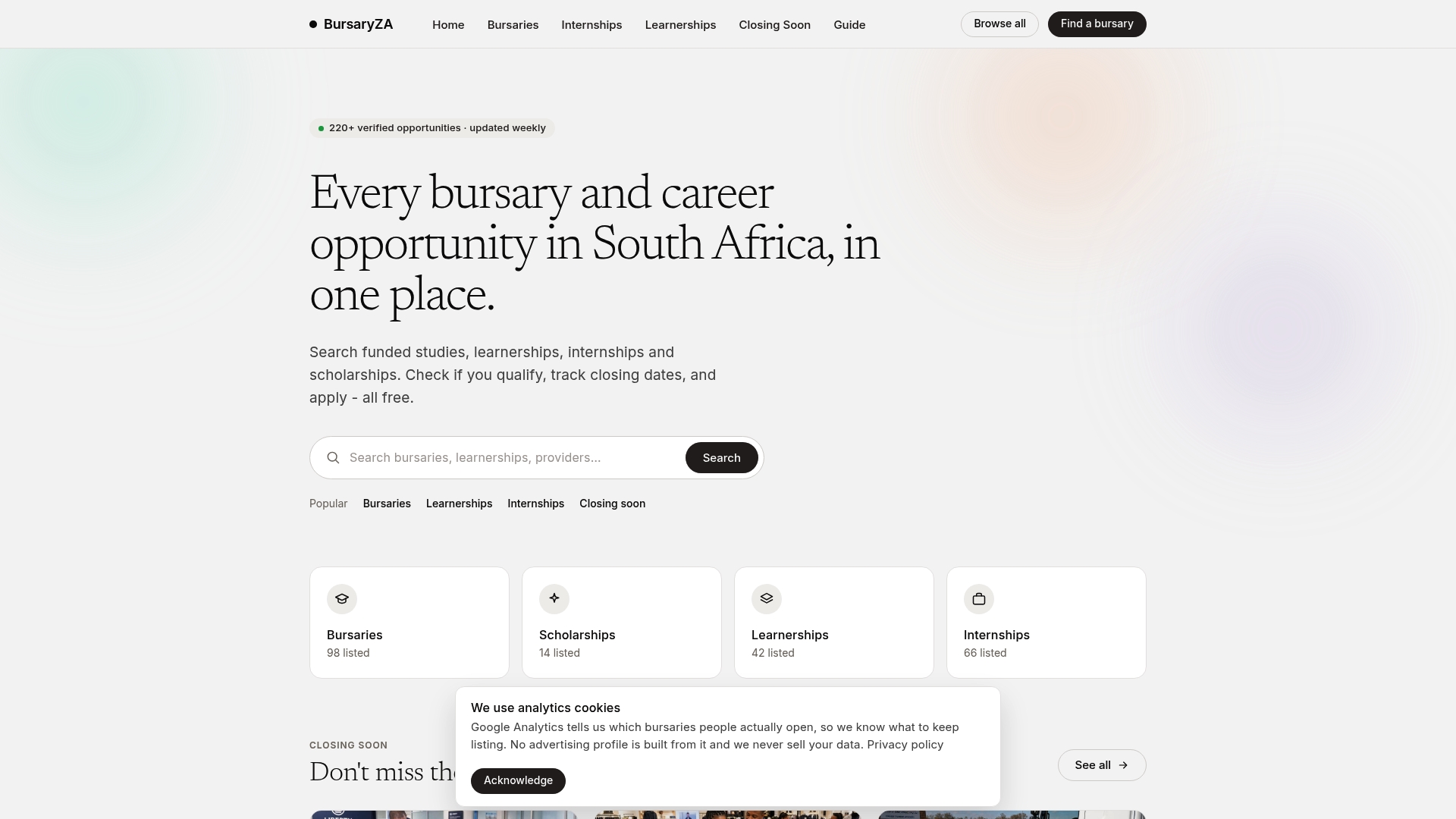
Search current learnership listings filtered by field, study level, or location, and check the eligibility checklist on each one before you tailor your CV to it. If a learnership isn’t the right fit, Bursaryza’s bursary listings cover funded study routes that might suit you better. Either way, start by browsing what’s currently open and matching it against the CV you just built.